


Call Centre Numbers
Postpaid Customers : Dial 129 on your Mascom handset and follow the prompts
Prepaid Customers : Dial 124 on your Mascom handset and follow the prompts
WhatsApp Number: +267 71999999
Available 24 hours a day, including public holidays and all calls are FREE.
When you are outside Botswana: Call us at +267 74 693 500
Service Centres
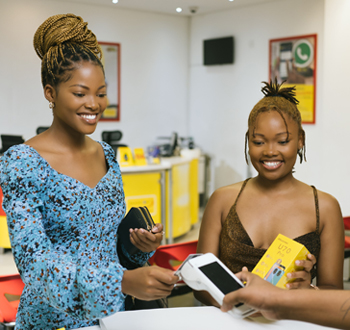
Through our service centres you are able to receive the following type of assistance;
- * Sim Card Replacement
- * MyMascomDIY
- * Device Support
- * Report a Problem
- * General help on any Mascom product or service
Mascom’s Customer Information Update (KYC) FAQs
As part of our commitment to providing secure, reliable, and compliant telecommunications services, Mascom is updating customer information in line with regulatory Know Your Customer (KYC) requirements. Keeping your details accurate and up to date helps protect your account, prevent fraud, and ensures that your services remain active and uninterrupted. These FAQs provide answers to common questions about the KYC update process.
- Q: How do I know if I need to update KYC? Please check through KYC, respond to the call-to-action official SMS when it is sent, call Mascom contact center 124, or visit any Mascom shop for assistance.
- Q: What documents do I need? Please bring your original Omang or valid passport at any Mascom shop. Additional documents may be required for business or foreign-national accounts. For the use of the link, please have your Omang or official passport copy ready to enable you to upload on the link
- Q: Can I do this online? Yes. Smartphone customers can upload documents through KYC. Have your Omang or Passport images ready
- Q: Can I use WhatsApp? Yes, where Mascom sends an official WhatsApp KYC message or support prompt, follow the instructions provided. Do not share documents with unofficial numbers.
- Q: What happens if I do not update? Customers who remain non-compliant after 31 October 2026 may face service restrictions or disconnection in line with regulatory requirements.
- Q: I uploaded documents but have not received confirmation. Please allow verification time. If you receive a failed submission message, re-upload a clear document, respond through the approved channel, call 124 or visit a Mascom shop.